 WonderlandBlox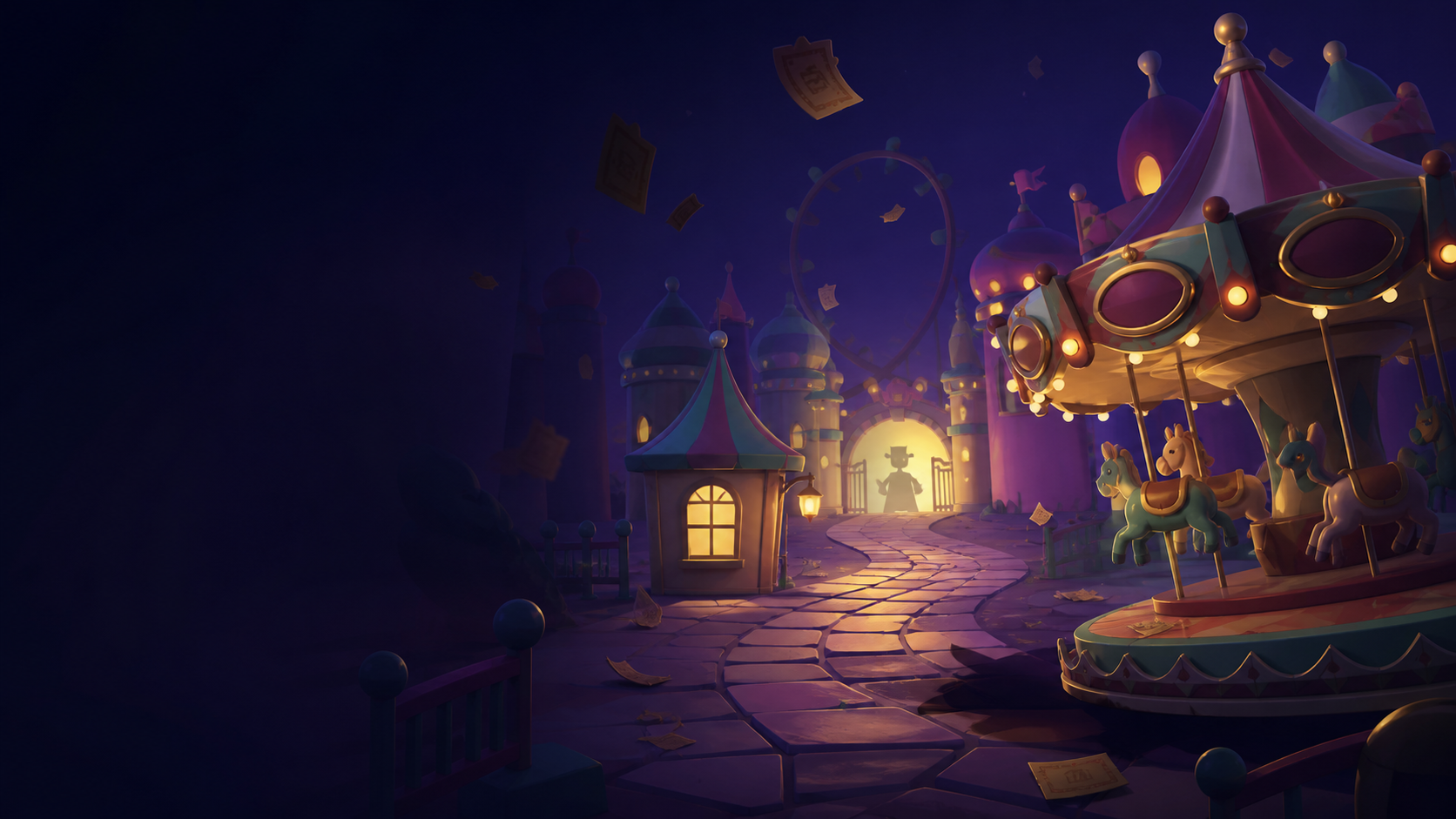
Welcome to the Wonderland Roblox wiki: an independent English-language guide to the ScaryPlay experience on Roblox. Use this site to find the right game, understand what a page actually proves, and move from a quick answer to a deeper guide without sorting through copied lists or lookalike links.
If you searched for Wonderland Roblox, begin with the identity card below and then choose the guide that matches your task. The site is designed to answer the immediate question while keeping the underlying source visible.
The official game is bright, playful, and deliberately unsettling. Roblox’s own listing describes Wonderland as a paradise created by Wonder and warns about flashing lights, loud noises, and jumpscares. That description is the starting point for this Wonderland Roblox wiki. It tells us what the developer has published; it does not give us permission to invent a route, rename a character, or turn a community theory into canon.
This is a fan-made site. It is not Roblox, ScaryPlay, or an official support channel. The fastest way to confirm that you are playing the intended experience is to open the official Wonderland Roblox page, check that the creator is ScaryPlay, and compare the place ID 13718567207. The place ID matters because “Wonderland” is a common name and search results can include unrelated Roblox experiences.
What is Wonderland on Roblox?
Wonderland is a Roblox experience created by the ScaryPlay group. The Roblox games API record identifies the universe as 4760747038, the root place as 13718567207, and the creator as ScaryPlay. The same record currently exposes an Adventure/Exploration classification and a 30-player maximum server size. Dynamic player, visit, favourite, and update fields can change at any moment, so this Wonderland Roblox wiki treats them as dated snapshots rather than permanent marketing copy.
The official description also credits Ampient for the music and says that joining the ScaryPlay Roblox group provides in-game rewards. The ScaryPlay group record is the useful identity check when a third-party page uses a similar title or logo. The official ScaryPlay trailer is helpful for atmosphere and development history; a trailer is not automatically proof of a mechanic in the current build.
The first principle of this Wonderland Roblox wiki is therefore simple: identify the entity before explaining the game. If a guide cannot tell Wonderland Roblox players which experience it covers, it is not ready to be reliable.
A reliable Wonderland Roblox page should make that check easy to repeat. Keep the creator, universe, and place identifiers near the top so a reader can compare a search result with Roblox before spending time on a route or reward claim.
Start with the answer you need
Choose the page that matches the problem in front of you:
- New to the game? Read the Wonderland Roblox beginner guide for a safe first-session checklist, official warnings, and a clear line between confirmed data and community advice.
- Looking for a code? Open Wonderland Roblox codes. The page keeps a small status ledger instead of pretending that every repeated code list is an official announcement.
- Trying to finish a run? Use the Wonderland Roblox walkthrough. It explains what a source-backed walkthrough can say, how to treat randomised or video-specific routes, and which official badges mark major milestones.
- Need a creature, puzzle, or item? Start with the future entity index and check whether a page is official, observed in-game, community-reported, or theory. A name without an evidence label is only a lead.
- Saw a suspicious link? Use the official-links and safety page when it is published. Never install an executor, download a “client,” give a site your Roblox cookie, or pay for access to a free experience.
This keeps the Wonderland Roblox homepage focused on discovery: the next useful click and the confidence level, not a duplicate of every guide.
For Wonderland Roblox readers, that focused index reduces the distance between a search question and a source-backed answer.
The official game identity
Keep this small identity card visible throughout the site:
| Field | Current reference |
|---|---|
| Experience | Wonderland |
| Creator | ScaryPlay group |
| Universe ID | 4760747038 |
| Root place ID | 13718567207 |
| Roblox listing | Open the official experience |
| Official description warning | Flashing lights, loud noises, and jumpscares |
| Fan-site status | Unofficial; not endorsed by Roblox or ScaryPlay |
The Wonderland Roblox search phrase is ambiguous enough that this card is part of the product, not legal fine print. A page about Wonderland RPG, Alice in Wonderland outfits, Twisted Wonderland, Winter Wonderland, or another same-name experience should not silently inherit this wiki’s facts. Every canonical page will link back to this identity tuple.
How this wiki handles evidence
A game wiki is useful only when a reader can tell the difference between “the developer says this,” “we saw this in the current game,” and “players are still testing this.” This Wonderland Roblox wiki uses five editorial labels:
- Official — published by Roblox or ScaryPlay, including the live listing, Roblox APIs, badge descriptions, the ScaryPlay group, and first-party videos.
- In-game observed — checked by an editor in a named build, mode, and platform, with a date and reproducible steps.
- Community corroborated — supported by independent gameplay footage or multiple named reports, but not a developer statement.
- Reported — a useful lead from one player, screenshot, or video. It remains provisional until checked.
- Theory — interpretation of story or visual material, clearly separated from events shown in the game.
The official Wonderland Roblox data source is especially important for badges. Roblox’s badge endpoint currently returns 27 enabled badges, including Warm Welcome, Team Player, item-use badges, chase badges, difficulty badges, story-completion milestones, death-count milestones, Grand Opening, and The Creationists. The endpoint proves that these badges exist and gives their descriptions; it does not prove the fastest way to earn them. Strategy notes will have their own evidence label.
This approach also protects the reader from stale launch content. A code can expire, a badge description can remain while a route changes, and a community name can be replaced by an official name. When that happens, the wiki keeps the history, changes the status, and records the last verification date.
Explore the Wonderland Roblox database
The finished site should feel like a field guide rather than a stack of disconnected articles. The core Wonderland Roblox entity groups are:
- Game profile: creator, IDs, official warnings, live status, modes, server facts, and source links.
- Beginner help: first-run preparation, controls, accessibility, co-op context, and the difference between a live fact and a community tip.
- Codes: active, expired, and pending rows with reward evidence, redemption notes, and last-checked dates.
- Walkthroughs: an invariant objective loop first, then spoiler-controlled route notes tagged by build, mode, and source.
- Monsters and characters: names, aliases, recognition cues, behaviour, counters, and whether a page is official or provisional.
- Puzzles and areas: visual clues, solutions, reset conditions, and maps only when a route is reproducible.
- Items and Wonder Shop: observed names, costs, effects, and editorial loadout advice kept in separate fields.
- Badges: first-party name and description, icon, ID, earned guidance, and API sync time.
- Updates and lore: dated changes, story events, spoilers, open questions, and theory.
This information architecture lets Wonderland Roblox players move laterally: monster to item counter, puzzle to walkthrough, and badge to completion route. Good internal links are better than thin pages for every word-order variation.
Each Wonderland Roblox entity page should state its scope before adding strategy, so a name does not become an unsupported mechanic.
Fresh information, careful language
New-release wikis face a special problem: being first is easy; staying correct is hard. The Wonderland Roblox homepage will show a last-verified date for codes, release status, and update notes. It will not treat live counts or an unavailable launch timestamp as evergreen facts.
For Wonderland Roblox players, a dated correction is more useful than a confident stale answer. Each changing page should show what was checked, where it was checked, and what remains a report.
The same rule applies to mechanics. If a community walkthrough says that a particular shop item is always the best first purchase, the wiki can present it as a tested recommendation with a source and build—not as an official rule. If two pages disagree, the answer is a conflict note and a recheck task, not a confident-sounding average.
Readers should also expect spoiler controls. The Wonderland Roblox homepage can link to an ending page, but it should not reveal the ending in a hero banner. New players need a short route to their first objective; completionists need a spoiler-safe way to continue.
A safe and accessible fan wiki
Roblox’s listing warns about flashing lights, loud noises, and jumpscares. The site should avoid adding flashing effects, autoplay audio, or aggressive motion. A polished Wonderland Roblox design can still feel like a bright park after dark: deep ink surfaces, ticket-card shapes, cream text, mint or carnival-yellow accents, and one controlled warning colour.
Search should be available from every page, with suggestions for monsters, puzzles, codes, badges, and official links. On mobile, tables need horizontal breathing room, code rows need a large copy action, and source labels need to remain readable. On desktop, breadcrumbs, a table of contents, related entities, and a visible “last verified” line make long guides easier to scan.
The site is not official and must not imply endorsement. It should not copy competitor paragraphs, screenshots, icons, or layouts line by line. It should use original explanations and permitted or editor-owned captures, link to first-party media when permission is unclear, and never publish scripts, exploits, external downloads, account requests, fake Robux, or paid early access.
Frequently asked questions
Is this the official Wonderland Roblox wiki?
No. This is an unofficial fan wiki for Wonderland Roblox. The official experience is the Roblox page created by ScaryPlay at place ID 13718567207. Use that identity check before following any guide or Discord link.
Is Wonderland the same as Wonderland RPG?
No. Roblox has multiple experiences with Wonderland in the name. This wiki covers the ScaryPlay Wonderland Roblox experience only and repeats its place ID so readers can distinguish it from unrelated games.
Where should a new player start?
Read the Wonderland Roblox beginner guide, then use the codes page only after checking the current status. If you want a full completion route, move to the walkthrough after you understand the first-session basics.
Are every mechanic and code on this site official?
No. Each page uses evidence labels. Official API data, in-game observations, community reports, and theory are separate. A code repeated by several guide sites is still not a ScaryPlay announcement until it is verified in the experience or on an official channel.
Related links and sources
Suggested related links for the published site: beginner guide, codes, walkthrough, game profile, official links, updates, badges, monsters, puzzles, items, and FAQ.
Primary sources: Roblox Wonderland listing, Roblox games API, Roblox badges API, ScaryPlay group API, official ScaryPlay trailer, Roblox Community Standards, and Roblox Terms of Use.